You closed 2,000 tickets last month. Your helpdesk shows you first-response time, CSAT, and a tag cloud. What it will not tell you is the thing that actually changes a roadmap decision: which product problem is driving those tickets, which SKU it sits on, and whether it is getting worse.
That gap is why people go looking for the best support ticket analysis tools. A helpdesk closes conversations. A support ticket analysis tool reads them in bulk and tells you what they add up to. This guide sorts the real options by who you are, with web-verified facts and honest limits, so you can pick in an afternoon instead of sitting through five demos.
What support ticket analysis software actually does
Support ticket analysis software reads the text of your support tickets at scale, groups them into themes, scores sentiment, and surfaces the recurring issues a human reading tickets one at a time would never connect. It is the analysis layer that sits on top of a helpdesk, not the helpdesk itself.
That distinction matters, because three different kinds of product all get called "ticket analysis," and they solve different problems:
- Helpdesk-native reporting. The dashboards built into Zendesk or Gorgias. Strong on operational metrics like volume, response time, and tag counts; thinner on reading ticket content for product themes.
- Support-led VoC platforms. Tools like SentiSum that specialize in tagging and theme analysis across the support queue, often pulling in public reviews too.
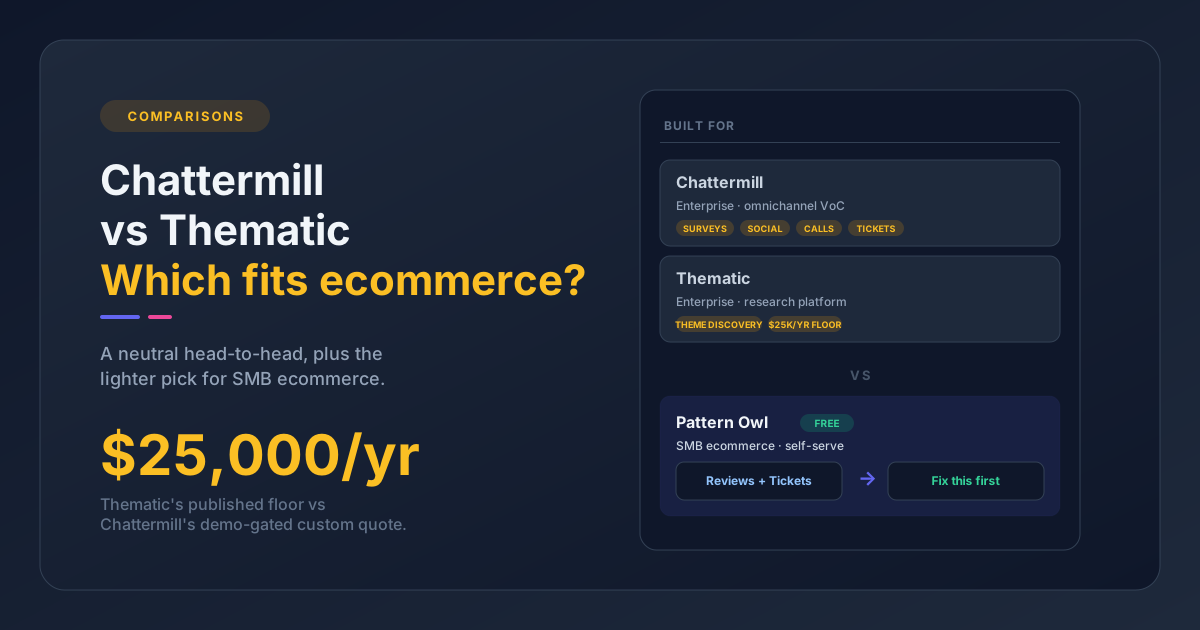
- Customer-intelligence platforms. Enterprise tools like Enterpret and Thematic that ingest tickets alongside surveys, reviews, calls, and social into one self-maintaining taxonomy.
The right pick depends less on a feature checklist and more on your size, your stack, and where your feedback actually lives. Tickets are also only half the picture. If you want the wider category, the best customer feedback analysis software guide covers tools that read reviews and surveys alongside tickets. Here is how the main ticket options sort out for a growing ecommerce or DTC brand.
The best support ticket analysis tools at a glance
| Tool | Best for | Analyzes reviews too | Self-serve start | Public price floor |
|---|---|---|---|---|
| Pattern Owl | Ecommerce SMB, reviews + tickets together | Yes | Yes | Free to start |
| SentiSum | Support-heavy CX teams | Public review sites | No | $3,000/mo (Pro) |
| Enterpret | Enterprise customer intelligence | Yes, all channels | No | Custom / enterprise only |
| Thematic | Enterprise research and VoC reporting | Yes | No | $25,000/yr (Foundation) |
| Zendesk native analytics | Teams already on Zendesk | No | Yes (in-platform) | Add-on, per agent |
| Gorgias native analytics | Ecommerce teams already on Gorgias | No | Yes (in-platform) | Included in plan |
Prices are the publicly listed figures as of June 2026 and change often. Confirm current pricing with each vendor before you commit.
Pattern Owl: the ecommerce-native pick
I run Pattern Owl, so weigh that, but the facts here are easy to check. It is the support ticket analysis tool built for the buyer the enterprise platforms price out: a growing ecommerce brand that wants answers without a sales call.
Pattern Owl reads your support tickets and your product reviews together. It connects helpdesks like Gorgias, eDesk, and Zendesk, and review apps like Judge.me, Yotpo, and RaveCapture, then runs AI theme extraction across all of those sources at once. Because it was built for ecommerce, the analysis is product-level: it shows you which SKU a complaint clusters around and recommends a specific next step, instead of handing you another dashboard to interpret. It works whether you sell on Shopify, BigCommerce, WooCommerce, or a standalone store.
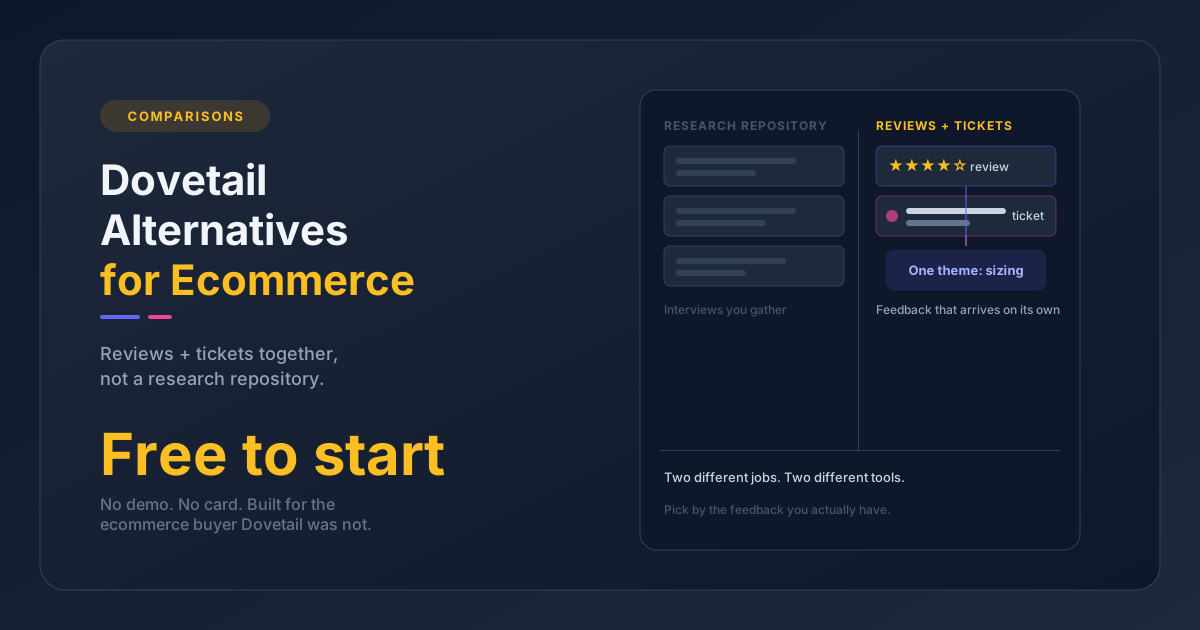
The reviews-plus-tickets angle is the part no other tool on this list fills the same way. A sizing problem shows up in your returns, your one-star reviews, and your "where is my exchange" tickets all at once. Reading those sources together is how you catch it before a quarter of churn, not after. You can start free and self-serve at Pattern Owl, with no demo to schedule.
What it is honest about:
- It does not collect or display reviews. You still need Judge.me, Yotpo, or a similar app to gather them; Pattern Owl sits on top and analyzes what they collect.
- Its integration list is growing but smaller than the enterprise incumbents below.
- It does not pull Amazon or eBay marketplace data yet. If your feedback lives mostly on marketplaces, this is not your tool today.
For a brand running its own store under roughly 5,000 feedback items a month, those tradeoffs are usually fine, and the reviews-plus-tickets read is the whole reason to look.
SentiSum: for support-heavy CX teams
SentiSum is the support-led analytics option. It is an AI-native voice-of-customer platform that tags every ticket on topic, subtopic, and sentiment, then surfaces root-cause themes across the support queue. It also pulls in public review sites and analyzes voice calls, so if your feedback center of gravity is the support inbox, the coverage is strong.
The fit gate is price and scale. SentiSum's published Pro tier starts at $3,000 per month and covers around 5,000 conversations with six months of historical data, with Enterprise priced on custom volume. There is no self-serve signup. That makes it a mid-market-to-enterprise tool, well-suited to a team running a high-volume support operation and overpowered for a small DTC store. SentiSum is support-first rather than ecommerce-first, so it does not do the SKU-level product analysis an ecommerce brand leans on.
Enterpret: for enterprise customer intelligence
Enterpret is a customer-intelligence platform whose AI is trained on support data. It ingests tickets from Zendesk, Intercom, Front, and Salesforce Service Cloud alongside 50-plus other channels, organizing everything into a self-maintaining taxonomy. Its Wisdom AI answers natural-language questions like "what percentage of tickets are about billing" with example tickets and trends attached, and its agents flag spikes and new issue types automatically.
It is built for larger organizations. Enterpret does not publish pricing and sells enterprise contracts only, with third-party estimates in the $30,000-to-$100,000-plus per year range depending on data volume, plus professional onboarding to configure the taxonomy. If you have the volume and the budget to centralize every customer signal across a large org, it is a serious tool. For an ecommerce SMB it is more platform than the job needs.
Thematic: for enterprise research and VoC reporting
Thematic does AI thematic analysis across surveys, reviews, and tickets, and its real differentiator is unsupervised theme discovery: it finds themes without you predefining categories, then quantifies them for executive reporting. For a research or CX team that needs to roll thousands of comments into a board-ready narrative, that is a strong fit.
Pricing is volume-based. Thematic's published Foundation tier begins at $25,000 per year for up to 25,000 comments and 3 datasets, with Enterprise priced on a custom quote above that. Like the others in this tier, it was built for general research and CX reporting rather than for a Shopify store, and getting value takes hands-on work defining and refining themes. It is right for an enterprise research function and heavy for a growing ecommerce brand that wants an answer today.
Zendesk and Gorgias native analytics: what your helpdesk already gives you
Before you buy a separate tool, it is worth knowing what your helpdesk already does, because for some teams the built-in reporting is enough.
Zendesk reports volume, response and resolution times, SLA adherence, and tag counts, and its Advanced AI add-on (around $50 per agent per month, on top of per-agent plan fees and per-resolution AI charges) layers on AI features. It is strong on operational metrics. Where it falls short is reading ticket content for product themes across your whole queue, and it does not touch your reviews at all.
Gorgias, the ecommerce-native helpdesk, has a solid analytics suite: live stats, support-performance reports, custom dashboards mixing 70-plus metrics, AI auto-tagging, and a Tags view that counts how many tickets carry each tag over a period. For tracking operational health and tag volume on Shopify, it is good. But tag counts are not theme analysis. A tag tells you a ticket was labeled "shipping," not what specifically broke or which SKU it clustered on, and it does not read your product reviews either.
The honest summary: helpdesk-native analytics answer "how is my support team doing." A dedicated support ticket analysis tool answers "what are my customers telling me, and what should I fix." If your only question is the first one, you may not need anything else. If it is the second, the built-in tag cloud will keep coming up short.
How to choose in one minute
Skip the feature matrix and pick by who you are:
- Growing ecommerce or DTC brand that wants reviews and support tickets read together, SKU-level, with a free self-serve start: look at Pattern Owl.
- Support-heavy CX team with high ticket volume, budget, and the support queue as its center of gravity: SentiSum.
- Large organization pulling every customer signal into one taxonomy: Enterpret.
- Enterprise research or CX function that needs board-ready theme reporting: Thematic.
- Already on Zendesk or Gorgias and only need operational metrics? Start with the built-in analytics before you buy anything.
One honest gate cuts most of the decision: if you handle under roughly 5,000 feedback items a month and most of it lives in ecommerce reviews and a helpdesk, the enterprise platforms are overkill. That is exactly the gap the ecommerce-native pick is built for.
The deeper question, once you have a tool, is the workflow. If you want the method rather than the shortlist, the support ticket analysis guide walks through turning tickets into product insights step by step, and the Zendesk ticket analysis page covers analyzing a Zendesk queue specifically. Pick the tool that matches your size and stack, then put it on a weekly rhythm. The tool only pays off when someone acts on what it finds.